
Resolve common request problems
Check public links, repeated handoffs, editor issues, and connection failures.
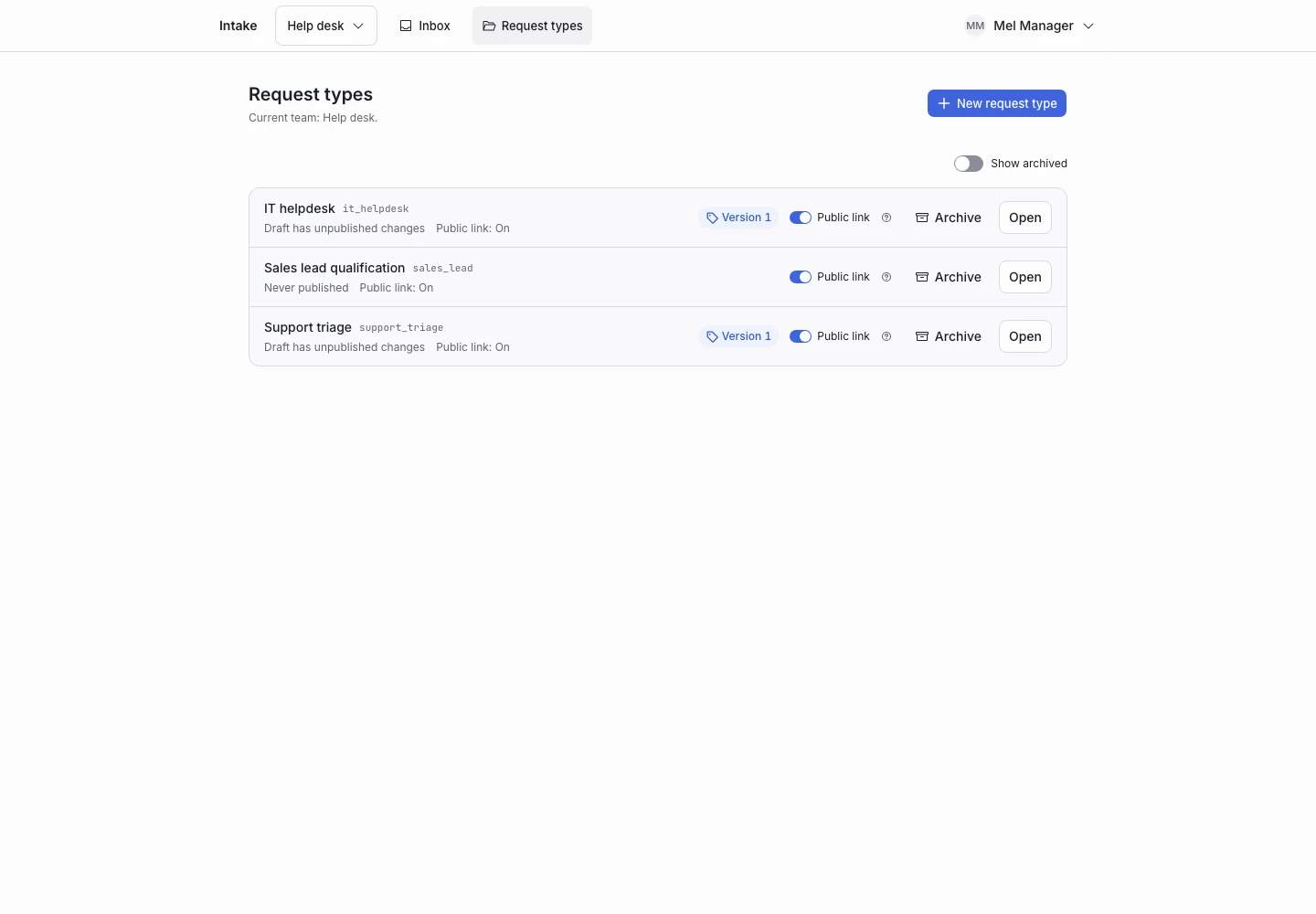
Product screen with sample data. Intake is the previous working name.
The public link is unavailable
- Confirm that the request type has a published version.
- Confirm that the request type is not archived.
- Confirm that the hosted link is enabled.
- Copy the link from the editor again.
- Test the copied link in a new window.
An unpublished type cannot accept a new request. A disabled hosted link affects the public screen; it does not disable API runs by itself.
The request keeps handing off
Open Why in the request details. Check whether scope, confidence, the question limit, or a judging failure caused the handoff.
For a rule problem, save the request as an example and test a draft change. For a connection problem, ask an installation administrator to check the TypeSafe connection.
A required question did not appear
A required answer control only validates a question when it appears. Add the required detail to Complete when if completion must wait for it.
Check whether an override or handoff ended the request first.
The editor cannot publish
- Open Issues.
- Select the first blocking issue.
- Open the named field.
- Correct the value.
- Wait for Saved.
- Run the checks again.
Unknown option names and invalid expressions can block publication.
The request moved in another window
Continue from the current step shown on screen. Do not keep submitting an earlier step with a changed answer.
A permission message appears
Check the selected team and your role. Installation administration does not grant access to team content. Ask a team owner to review your membership.
Ask for support
Send the product version, page, steps, and exact message to NowSquare. Remove passwords, API tokens, and applicant data from attachments.