
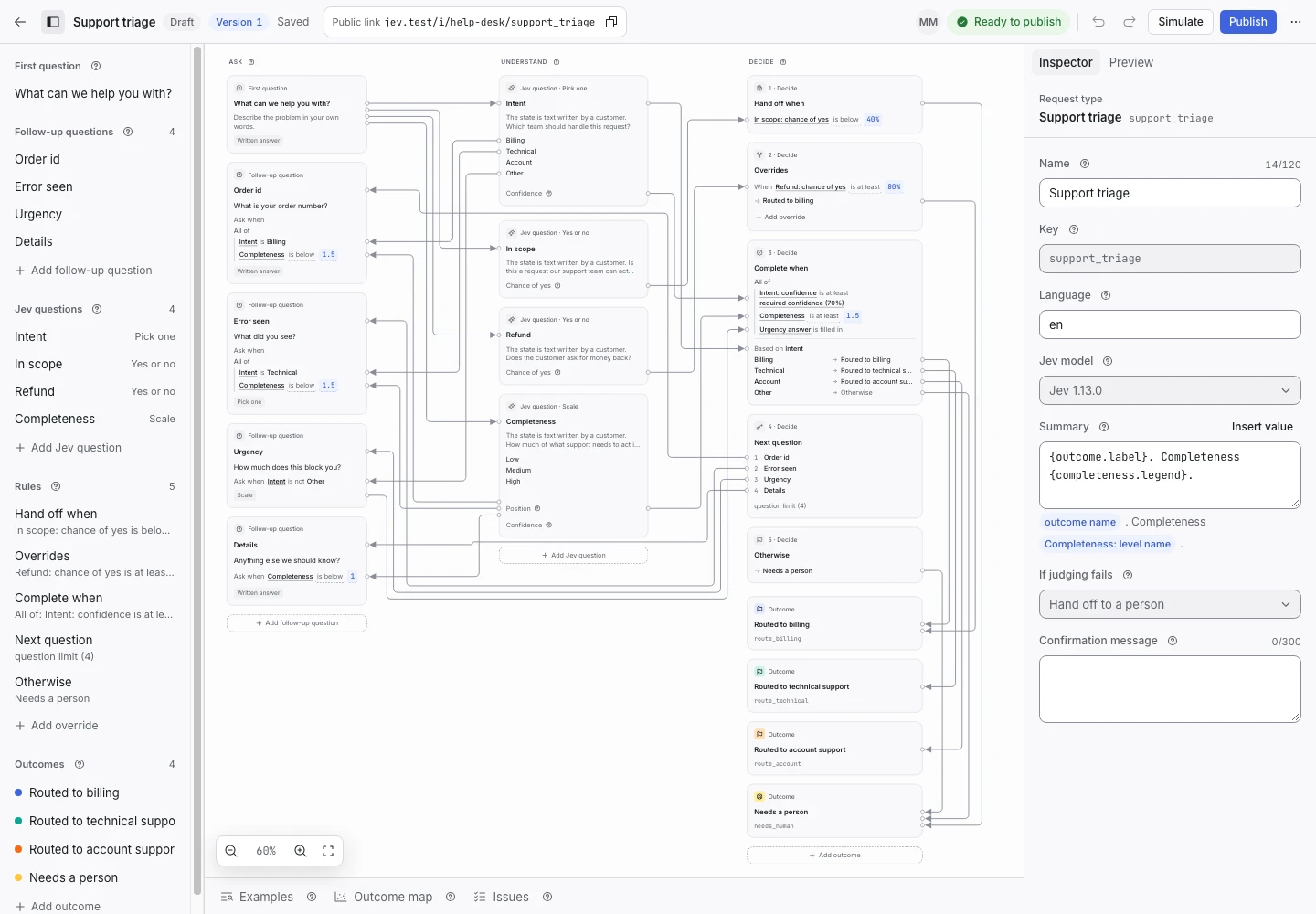
The visual editor
See how each question connects to a judgment and a rule. Use the outline, canvas, and inspector to edit the same request type.
- Write questions and follow-ups
- Build rules with menus
- Keep source view for advanced changes
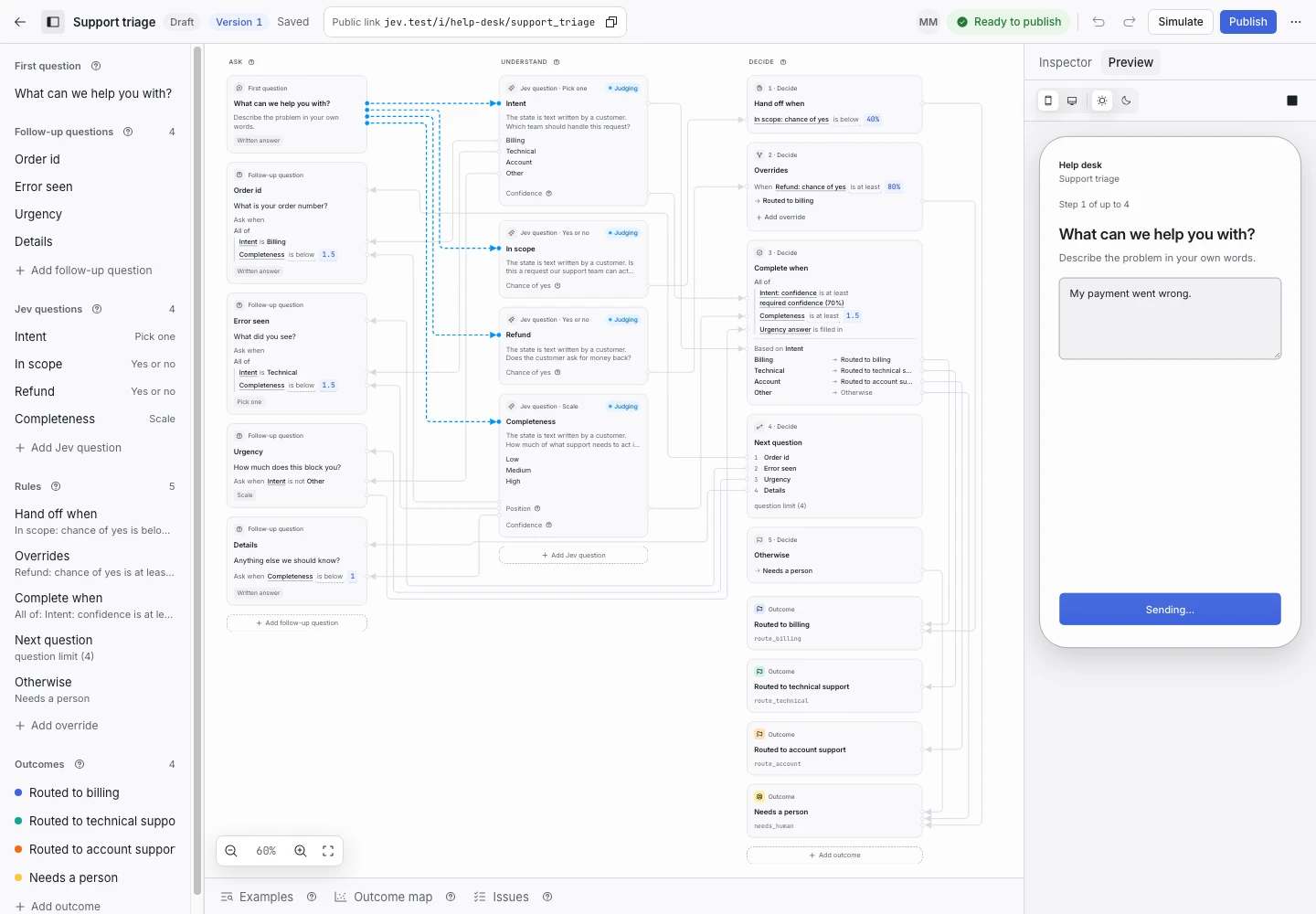
A test before the next step
Try a request as an applicant. Inspect which rule matched, change a value with What-if, or compare outcomes across saved examples.
- Simulate without creating a real request
- Replay examples with expected outcomes
- Move thresholds in the outcome map
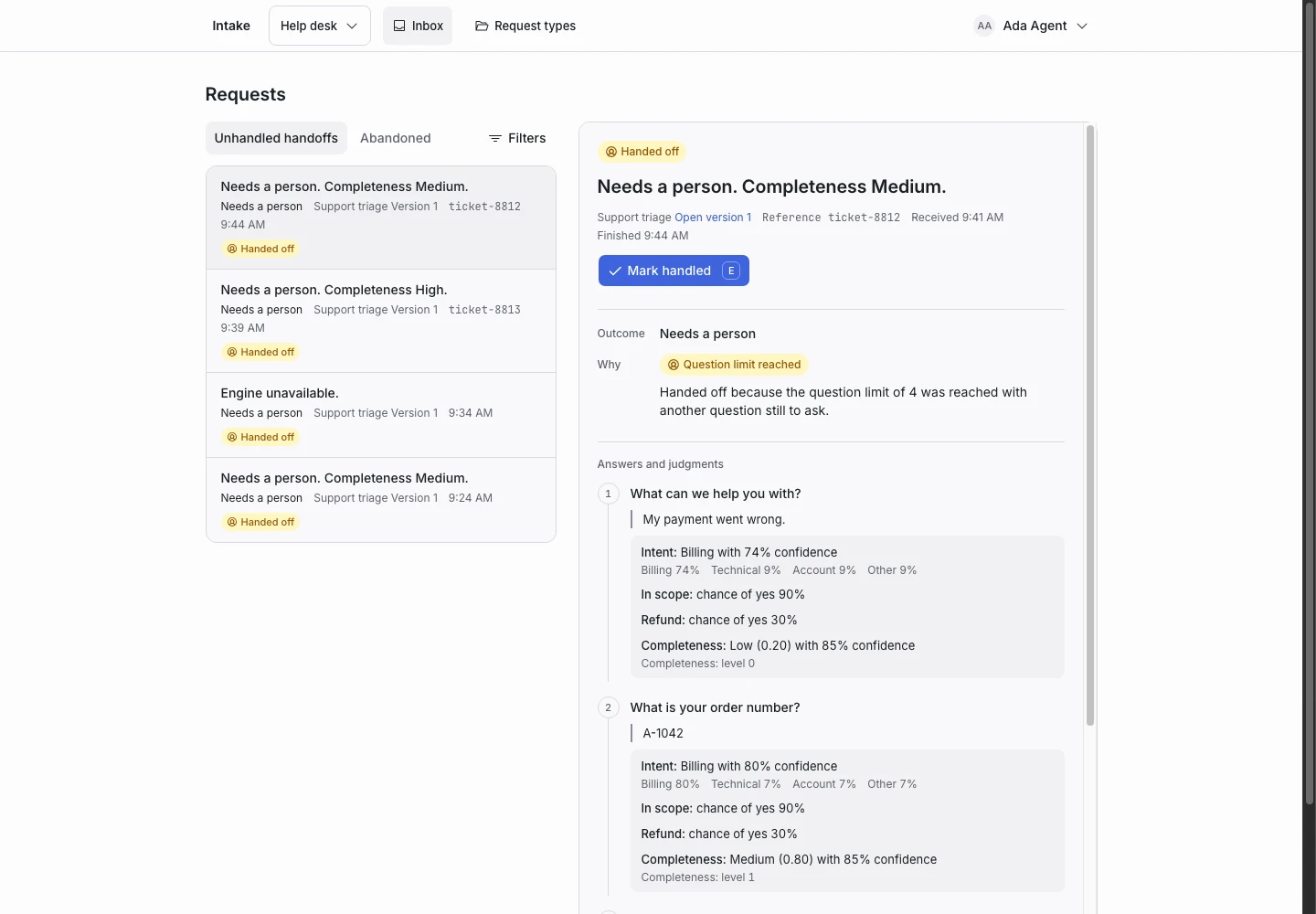
An inbox with the reason attached
Start with unhandled handoffs. Read the original answers and the judgments behind the outcome. Mark a request handled when you finish the work.
- Filters for status, outcome, and request type
- A decision record for every answer
- Keyboard navigation and handled marking
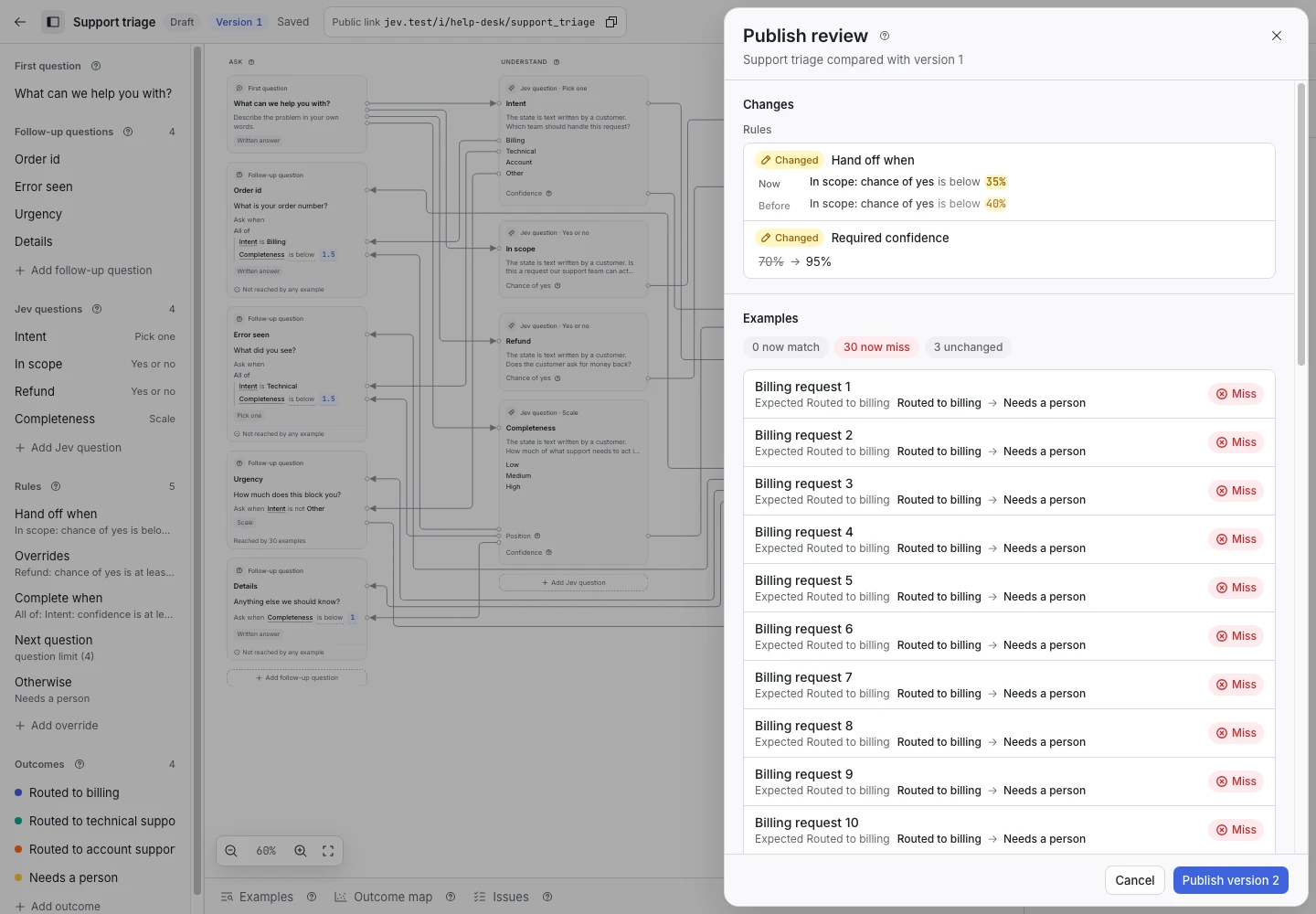
Publish a version you can explain
Review the draft, the checks, and the effect on examples. Each published version stays fixed, and existing requests keep the version they started with.
- Compare published versions
- Pin the Jev model per version
- Archive a request type to stop new requests
Separate teams, clear access
Create accounts and teams for the people you serve. Give each member an explicit role. Installation administrators need team membership to read team content.
- Owner, manager, and agent roles
- Email invitations and two-factor sign-in
- Team API tokens with limited permissions
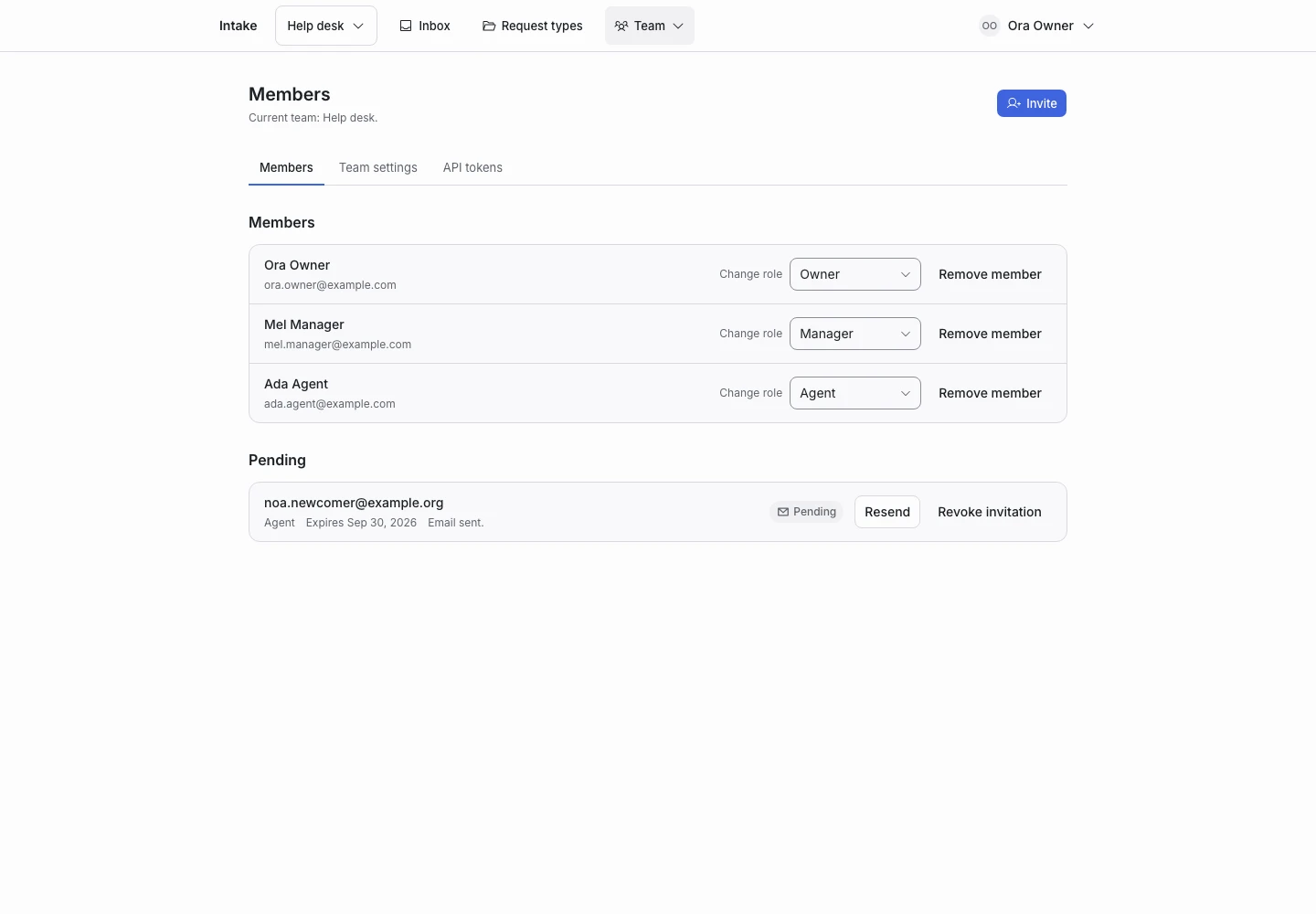
Product screenshots use sample data and the previous working name, Intake.
