
Set privacy and retention
Provide a privacy link and choose how long the team keeps request records.
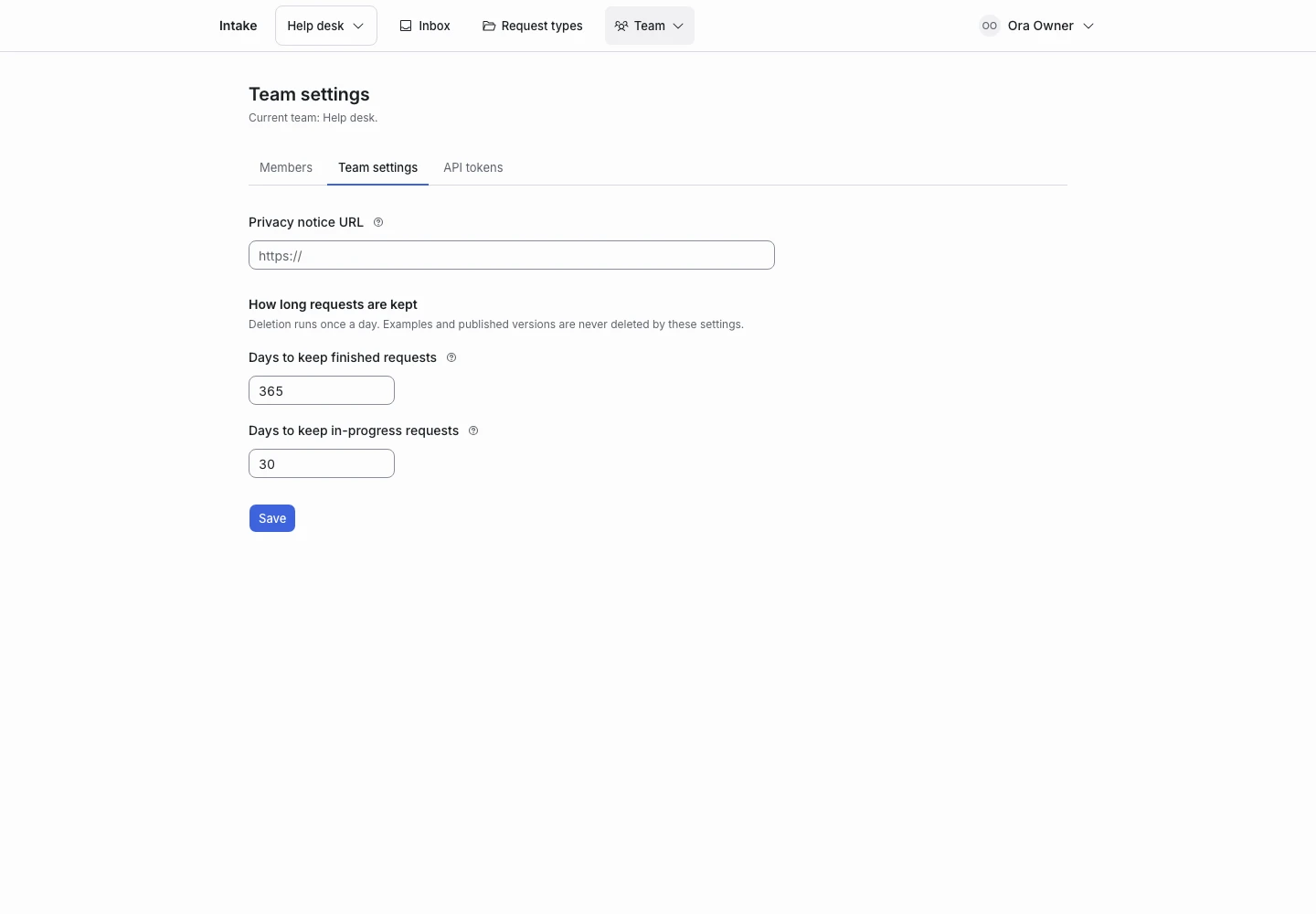
Product screen with sample data. Intake is the previous working name.
Explain the AI use
The installation sends applicant answers and the configured criteria to TypeSafe for Jev to judge. Running the database on your server does not keep all processing on that server.
Explain this use in the privacy notice for your service. Collect only the text needed for the request.
Add the privacy link
- Sign in as a team owner.
- Open Team settings.
- Enter the privacy notice URL.
- Save the setting.
- Open a public request link.
- Check the Privacy link.
Choose request retention
| Records | Default | Allowed range |
|---|---|---|
| Final requests and their judgments | 365 days | 30–3650 days |
| Abandoned requests and their judgments | 30 days | 7–365 days |
| Finished replay results | 90 days | Fixed |
| Unused judgment cache entries | 30 days | Fixed |
Final requests have status complete or handoff. Abandoned requests remain in ask.
A daily job removes records that exceed the configured age. It runs at 03:15 in the installation time zone. The server’s scheduler must run.
Shorten a period
- Review which records the shorter period would affect.
- Export or retain any records your process needs through an appropriate process.
- Change the period.
- Read the confirmation.
- Save the change.
The shorter period applies at the next retention job. Deletion is not a hidden archive.
Know what remains
Examples and published request type versions do not expire through request retention. Review examples as separate records, especially when they contain real applicant text.
Whole-team erasure and account closure require the installation operator’s server procedure. The product has no web button for those operations.
Read updates and health to check the scheduler.