
Run intake through the API
Start a run, submit each answer, and handle its final outcome from your own application.
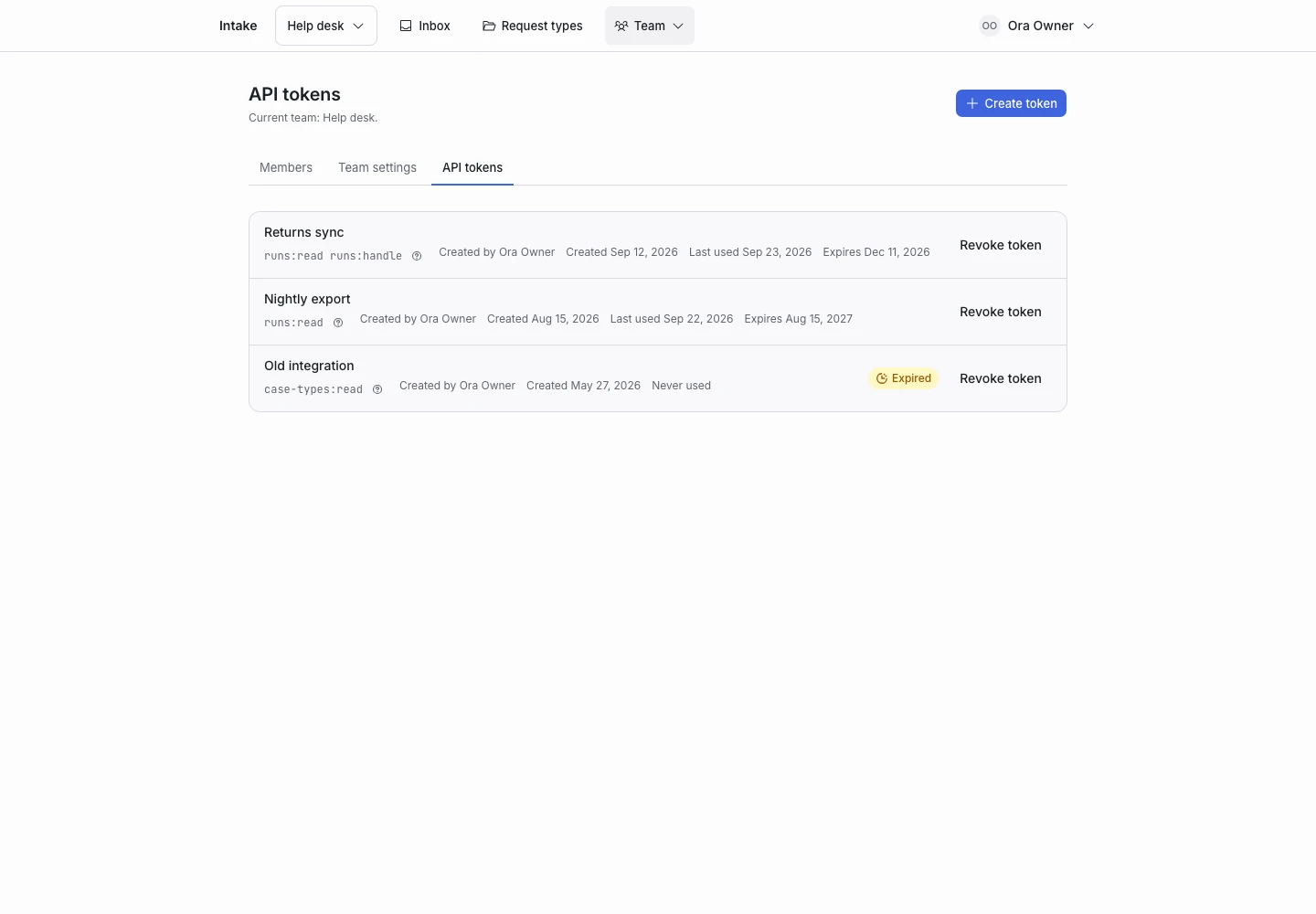
Product screen with sample data. Intake is the previous working name.
Keep the token on your server
Your server calls the API with a team bearer token. Your applicant-facing application calls your server. Do not expose the team token in the browser.
The examples use desk.example.com. Replace it with your installation address. The request type must have a published version and must not be archived.
Start a run
curl https://desk.example.com/api/runs \
  -H 'Authorization: Bearer YOUR_TEAM_TOKEN' \
  -H 'Accept: application/json' \
  -H 'Content-Type: application/json' \
  -H 'Idempotency-Key: intake-example-001' \
  -d '{"case_type":"support_triage","reference":"ticket-8812"}'
Creation returns a run view. Store its run_id. When status is ask, render the returned step.prompt, help, and control.
Reuse the same idempotency key and body if the create response is lost. A matching retry returns the original run. Changing the body with the same key causes a conflict.
Submit the current answer
curl https://desk.example.com/api/runs/RUN_ID/answers \
  -H 'Authorization: Bearer YOUR_TEAM_TOKEN' \
  -H 'Accept: application/json' \
  -H 'Content-Type: application/json' \
  -d '{"step_id":"opening","value":"I was charged twice for order A-1042."}'
Replace RUN_ID with the returned identifier. Use the current step’s id for step_id; do not keep sending opening after the first answer.
Follow the returned state
| Status | Your next action |
|---|---|
ask |
Render the returned step and collect its answer. |
complete |
Read the verdict and finish intake. |
handoff |
Put the request into your human review process. |
A final verdict contains code, label, and source. Use the code for a stable integration decision.
The internal API response can contain a summary and verdict. The hosted applicant screen does not show them. Apply the same separation if you build your own applicant interface.
Act in another system
After a final outcome, your integration can create a helpdesk ticket or route work. Use your own retry and duplicate protection for that action.
ClientStack does not make external changes inside the decision loop. Native helpdesk connectors and outbound webhook delivery are not included.
Mark work handled
Call POST /api/runs/{run_id}/handled after the work finishes. The token needs runs:handle. Use DELETE on the same path to reopen the handled marker.
Handle failures
An engine failure can still return HTTP 200. Read the run’s status and error. When the version keeps the current step, show an appropriate retry action.
For a conflict, retrieve the current run before continuing. For HTTP 429, follow Retry-After. See the API reference.