
Write applicant questions
Write the first question and add follow-up questions that collect the details your team needs.
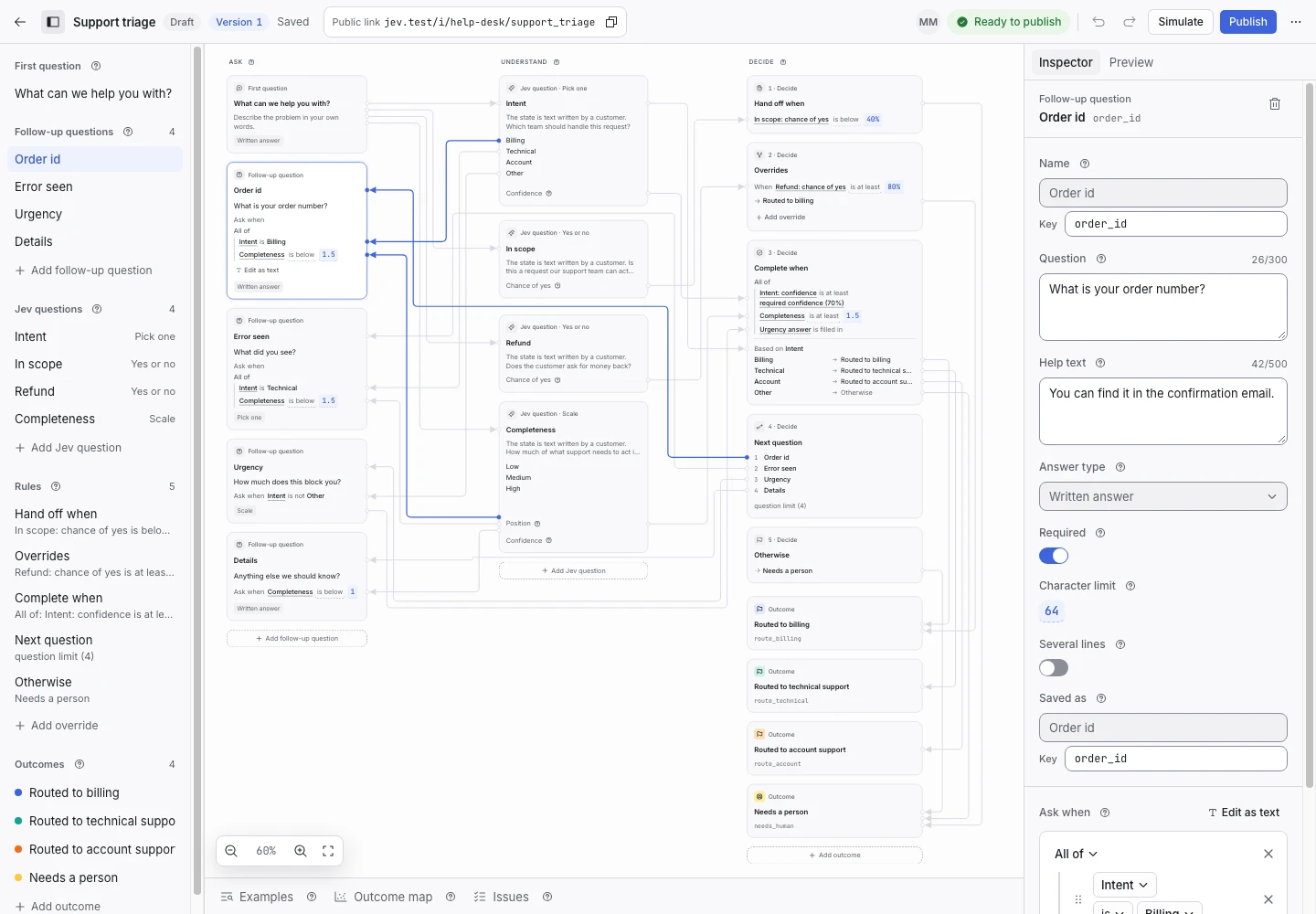
Product screen with sample data. Intake is the previous working name.
Write the first question
The first question collects a written answer. Give the applicant room to explain the request.
Use “What can we help you with?” for broad intake. Use a more specific question when the service has a clear scope.
- Select the first question.
- Enter the question text.
- Add help text if a person needs an example.
- Check the preview.
Avoid asking for two unrelated things in one question.
Choose an answer type
| Answer type | Use it for |
|---|---|
| Written answer | A description, location, or reference number. |
| Pick one | One choice from a fixed list. |
| Pick several | More than one choice from a fixed list. |
| Scale | A whole number within a defined range. |
A Scale can use labels such as Not much, Somewhat, and Completely.
Add a follow-up
- Select Add follow-up question.
- Give the question a clear name.
- Enter its prompt.
- Choose its answer type.
- Set Ask when.
- Check the question in a simulation.
Ask when controls whether the question is eligible. The rule system chooses the next eligible question in order. A completion or handoff rule can end the request before that question appears.
Collect required details
If an outcome needs a location, add a Location question. Then include “Location answer is filled in” in Complete when.
A required control checks an answer when that control appears. It does not force the decision system to show the question. Your rules must require the detail before completion.
Limit the questions
Set a question limit that fits the task. Include the first question in the count. Test a request that reaches the limit.
Use decision details to see whether a question limit caused a handoff.