
Maintain the installation
Check service health, run supported updates, and keep recoverable backups.
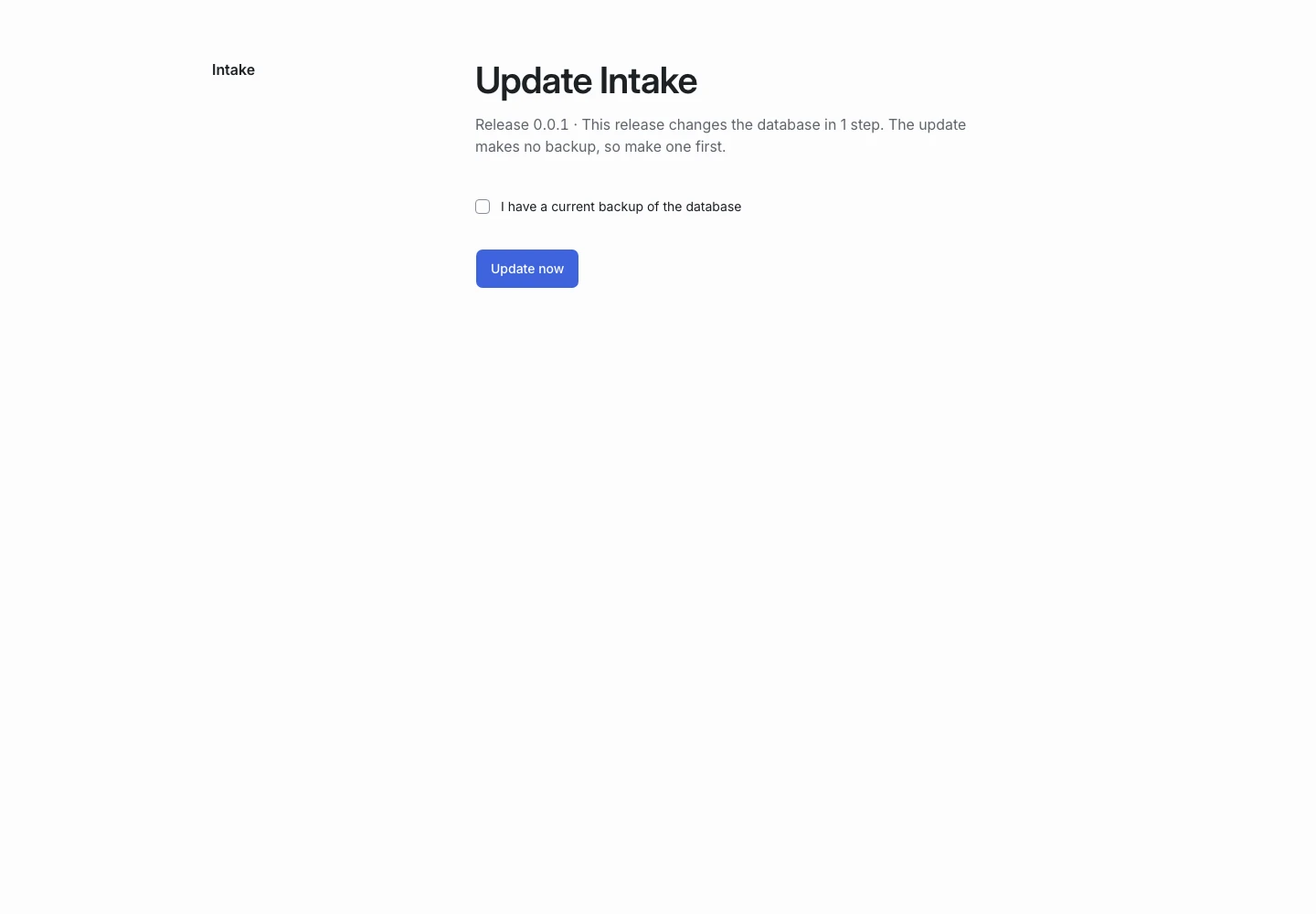
Product screen with sample data. Intake is the previous working name.
Check the health screen
Sign in as an installation administrator. Open the installation settings and health information.
Check the TypeSafe connection, email test, queue mode, and the scheduler’s last run. A scheduler that has not run for ten minutes produces an administrator warning.
Team membership still controls access to applicant content.
Set up backups
Keep backups of the database and the files your installation needs. Protect the private settings file and application key.
Test that you can restore a backup in an isolated environment. A backup you have not restored is not proof that recovery works.
Do not change APP_KEY on an existing installation. It protects encrypted values.
Apply a supported update
- Read the release notes and supported upgrade path.
- Back up the database and required files.
- Deploy the new release files through your normal release process.
- Open the product as an installation administrator.
- Read the update screen.
- Confirm the backup.
- Run the offered migrations.
- Check the health report.
- Submit a sample request.
The update screen does not download the release or create a backup for you. Other members see maintenance while the update runs.
Check the database baseline
The supported durable-data upgrade path starts from a 1.0.0-or-later installed baseline. A pre-1.0 or unknown baseline does not support that migration path.
Do not use a destructive demo rebuild as an upgrade. Ask NowSquare about a release-specific path if the installed baseline is unknown.
Onboard another account
Use the administrator’s account directory to create an account and invite its first owner. The invitee sets or uses their own credentials.
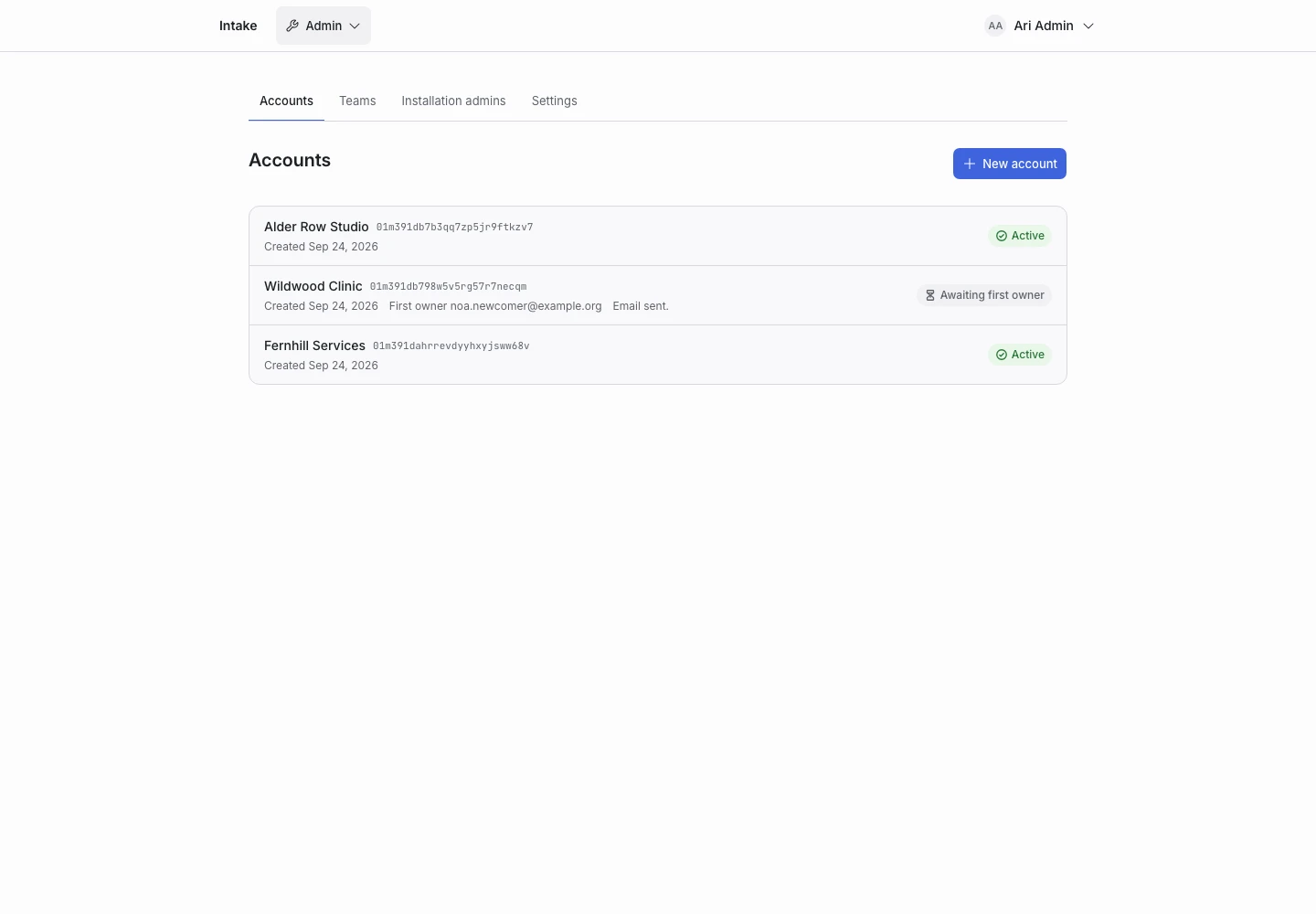
An installation administrator does not gain access to the new team’s requests. Accounts and teams explains the grants.
After a failure
Record the product version and the failed step. Keep the installation in a controlled state until you understand whether the database migration finished. Follow the tested recovery procedure for the release.