
Check server requirements
Prepare the web server, database, and services that ClientStack needs.
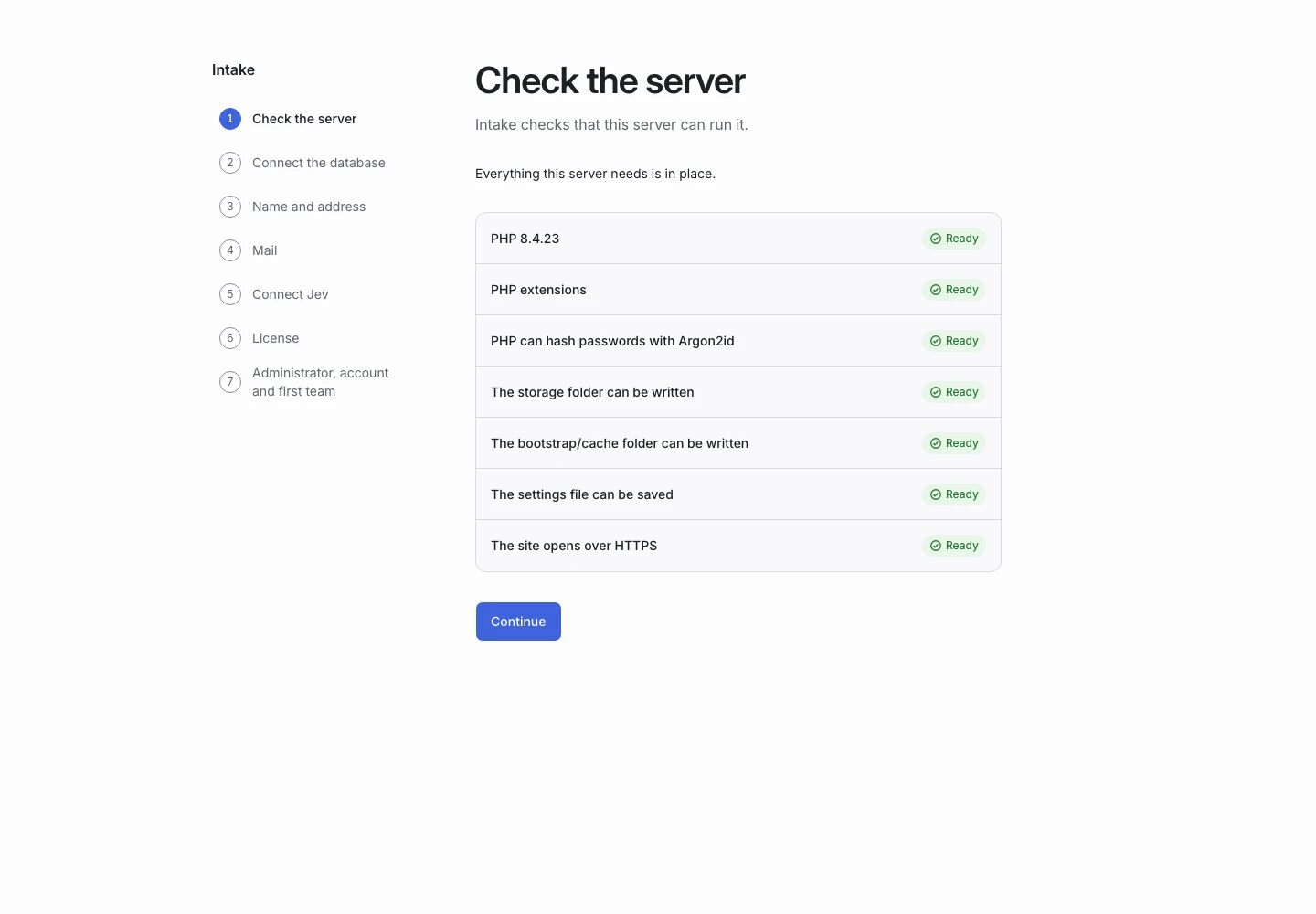
Product screen with sample data. Intake is the previous working name.
Runtime requirements
| Component | Requirement |
|---|---|
| PHP | 8.4 or newer |
| Database | MySQL 8.0 or newer |
| Web server | HTTPS with the document root set to public/ |
| Scheduler | Cron access |
| SMTP service | |
| AI | An operator-owned TypeSafe account |
Jev is the only supported AI model. Your TypeSafe account must have access to Jev. The current product does not support other AI providers or an offline model.
MariaDB is not supported. The installer checks the database engine and version.
ClientStack does not require Redis, a WebSocket service, or Node at runtime. Building frontend assets from development source requires Node and the build tools.
PHP extensions
Enable these extensions:
pdo_mysql mbstring openssl intl curl
fileinfo ctype tokenizer xml bcmath
Ask your host to check both web PHP and command-line PHP. They can use different versions or extension settings.
File access
The web process must be able to write to storage and bootstrap/cache. Keep source files and private configuration outside the public document root.
Serve only the public/ directory. Do not expose the whole project folder.
Services and costs
Arrange a database, HTTPS, email delivery, and a TypeSafe account before installation. Hosting and AI usage have costs separate from the software purchase.
The operator owns the TypeSafe key for the installation. Teams do not each supply a separate key.
Before you choose a host
Confirm that the host supports the required PHP version, MySQL engine, document root, cron, and outbound HTTPS. A plan described as “PHP hosting” may not meet all these needs.
Continue with installation.