
Collect internal service requests
Give IT and service teams the detail they need to decide the next step.
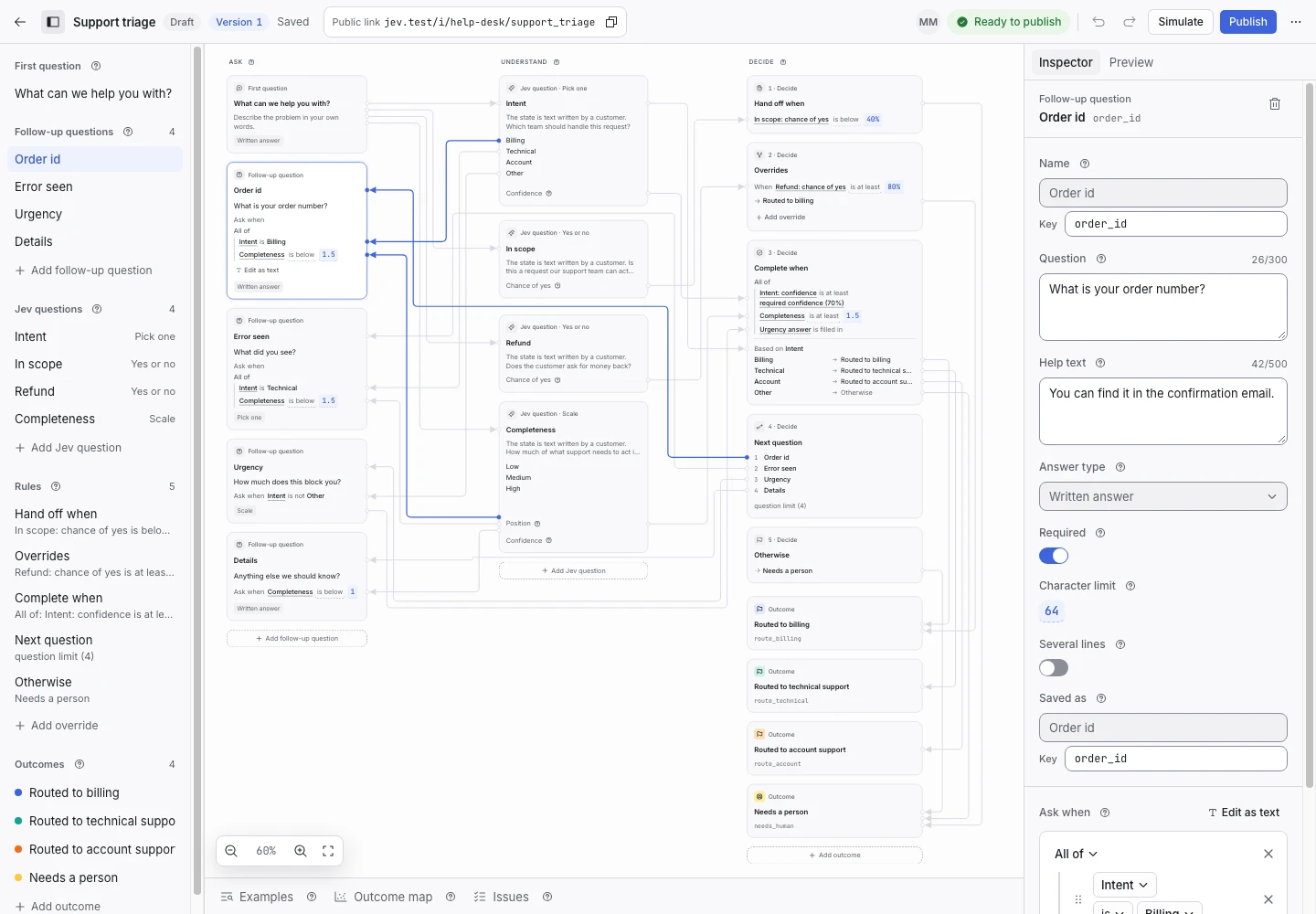
Product screen with sample data. Intake is the previous working name.
The incoming request
“The kitchen tap is leaking.”
The service team needs the location and enough context to act. The person reporting the issue should not need to learn the team’s internal categories.
Start small
Create a Blank request type for facilities, or use the IT helpdesk template for technical requests.
For facilities, define a Topic criterion with Repair, Cleaning, and Other. Name outcomes that match the actual service process.
Add the necessary questions
Ask for the location. Add impact or urgency if it changes the next step. Keep the question text specific.
Make the completion rule wait for the required details. A required control alone does not guarantee that its question will appear.
Hand off unclear requests
Use Needs a person when the service is uncertain or the request does not fit. The inbox keeps the original wording beside the reason.
Do not imply that the recorded outcome has assigned a technician. Assignment and service-level tracking are outside the current inbox scope.
Publish one useful version
Test a clear repair, a cleaning request, a missing location, and an unrelated message. Review the examples and publish.
Read questions, rules, and publishing.
