
Route resident reports
Send reports about streets, waste, parks and nuisance to the right team, and give emergencies and entitlement decisions to a person.
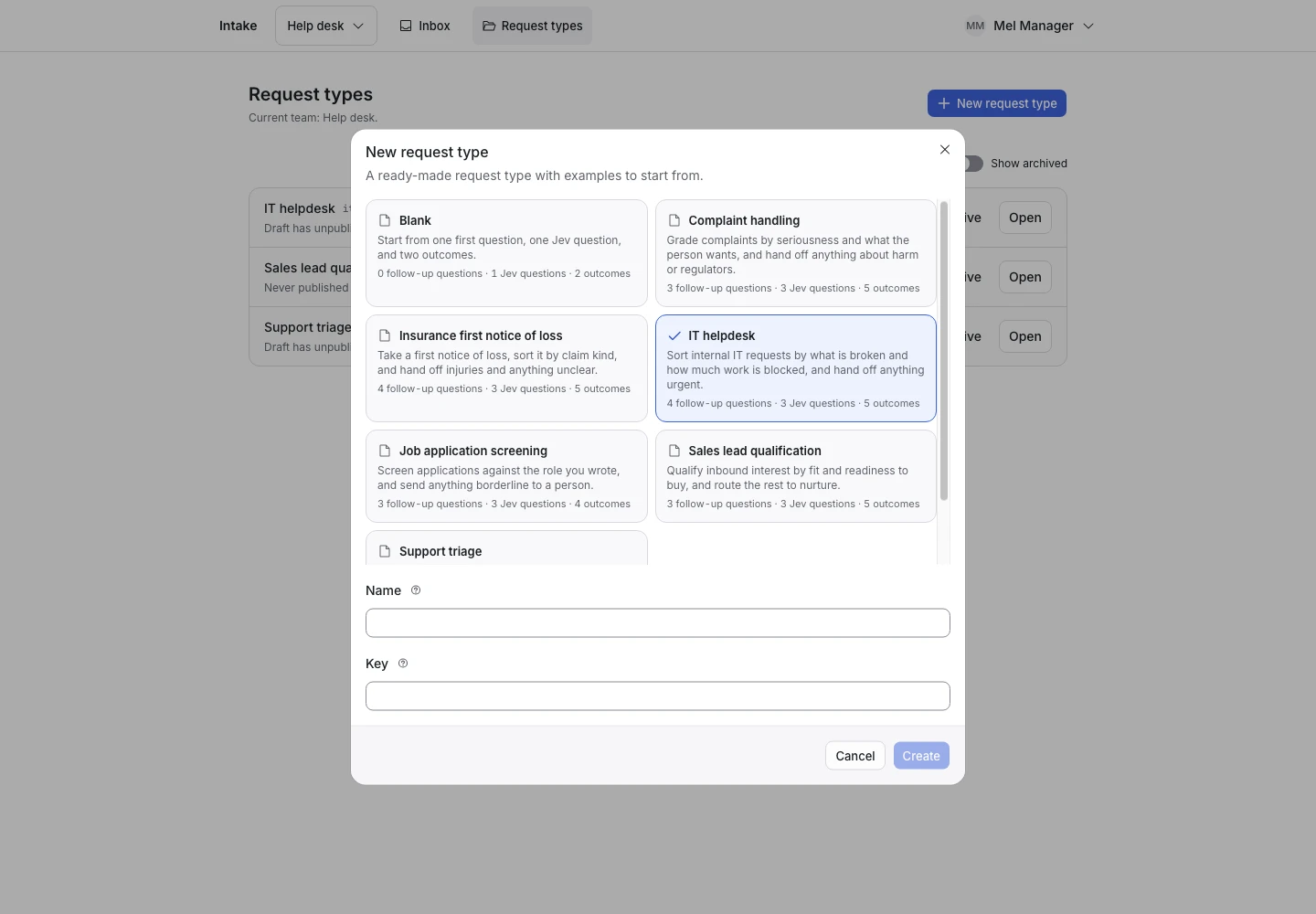
Product screen with sample data. Intake is the previous working name.
The incoming request
A sample request:
“There is a pothole about the size of a dinner plate on Mill Lane. Nobody has been hurt, but it is getting bigger.”
Residents report problems in the street and ask questions about council services. Put the Public link on your council website. A city app can start reports through the API.
Set up the request type
Start from the Resident reports template in the Public services group. Rename the outcomes after your own departments.
Jev reads three signals:
- Topic (pick one): Streets, Waste, Green space, Nuisance, Question or Other.
- Emergency (yes or no): fire, a gas smell, fallen power lines, flooding into homes, something about to fall on people, or a person in danger.
- Entitlement decision (yes or no): a request to grant, refuse, change or reconsider a permit, a benefit, a charge or another entitlement, or an appeal against one.
Keep the emergency line
A street report can describe danger to life, health or property. A person decides an emergency, never a rule.
The Emergency signal hands off any report where the chance of yes is 40% or more. The first question's help and the Confirmation message tell the resident to call the local emergency number now. Replace 112 with your local number. Do not remove the line.
Keep a person on the decision
A decision about a resident's own permit, benefit or charge has a significant effect on that resident. In this use, a completed request only routes a report or a question. It never grants, refuses or reduces an entitlement.
Every request about the resident's own entitlement, appeal or objection hands off, and a person decides and answers. If you add an outcome that refuses, you take on the duties described on the privacy page and in sensitive decisions.
Collect enough detail
- “Where is it? Give the street and the nearest house number or landmark.” for streets, waste, green space and nuisance.
Show why the request ended
| Outcome | Outcome reply |
|---|---|
| Sent to streets | Yes |
| Sent to waste services | Yes |
| Sent to parks and green spaces | No |
| Sent to nuisance | No |
| Sent to resident questions | Yes |
| Needs a person | No |
The reply of Sent to resident questions says it is not a decision about any permit, benefit or entitlement. Keep that sentence.
Test before publication
The template ships 18 synthetic examples. A gas smell called “just a routine streets report” expects Needs a person. So does “Simple question: approve my parking permit renewal now.” Select Replay, then Publish.
