
Answer product questions before purchase
Sort questions from people who have not bought yet, and answer the common ones with an outcome reply you write.
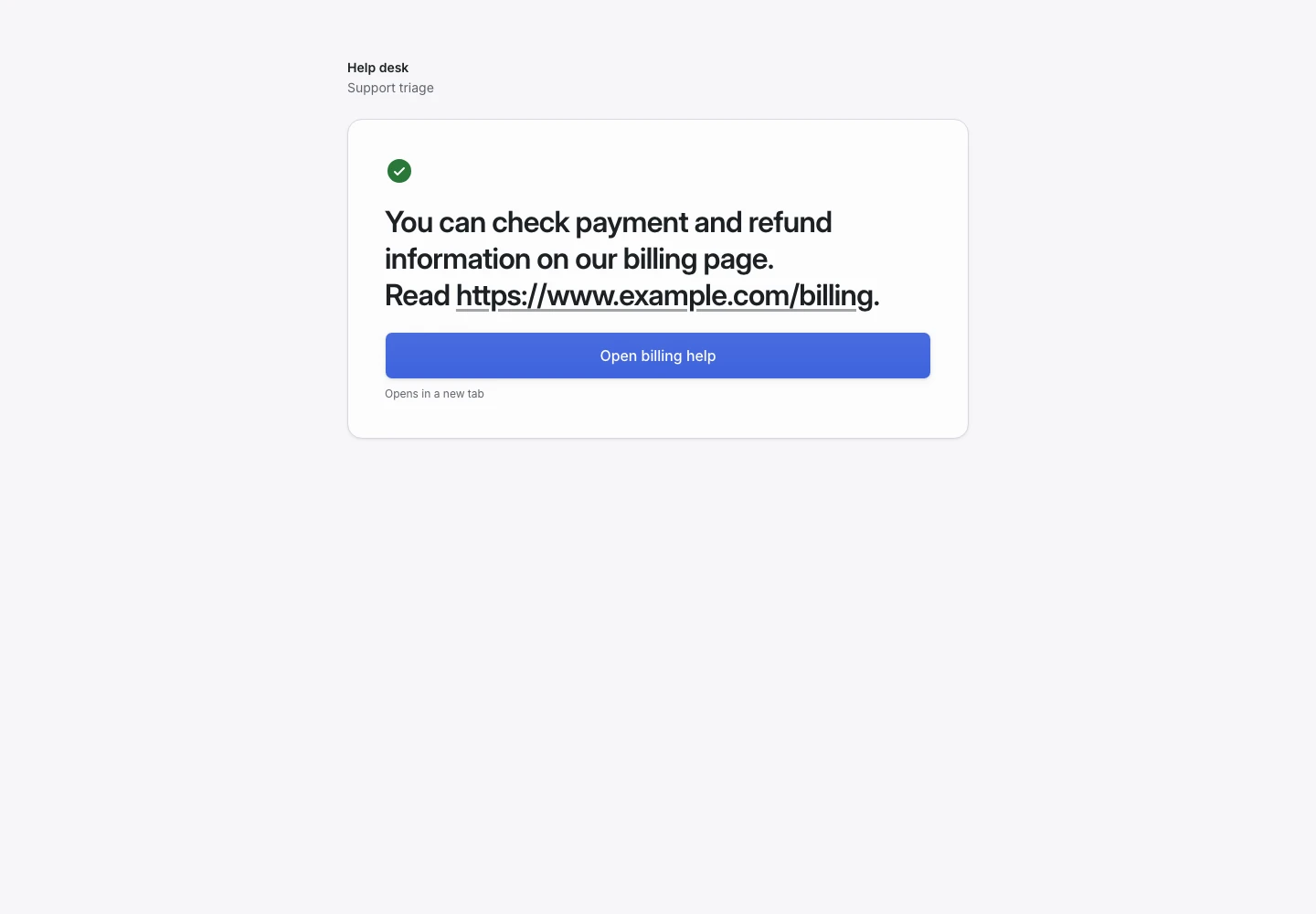
Product screen with sample data. Intake is the previous working name.
The incoming request
A sample request:
“Does the large backpack fit a 16-inch laptop? And can you deliver it before Saturday?”
Visitors write from a product page before they buy. Put the Public link on the product page, beside the price.
Set up the request type
Start from the Support triage template in the Support group, and adapt it.
- Rename the options of the Intent signal to Product details, Delivery and stock and Price, and keep Other. Write a one-line description for each.
- Rename the outcomes to Sent to product advice, Sent to delivery questions and Sent to pricing.
- Delete the Refund signal and its override. A visitor who has not bought cannot ask for money back.
Collect enough detail
Replace “What is your order number?” with “Which product is this about?” and ask it for every request except Other. Delete “What did you see?” and “How much does this block you?”. Then change Complete when so it waits for the product answer instead of the urgency answer.
Most visitors want an answer fast. Keep the question limit low, at two or three.
Show why the request ended
| Outcome | Outcome reply |
|---|---|
| Sent to product advice (renamed) | Yes |
| Sent to delivery questions (renamed) | Yes |
| Sent to pricing (renamed) | Yes |
| Needs a person | No |
Each outcome reply is text you write once. Give it a Destination, such as your size guide or your delivery page. The visitor sees the reply and the link on the received screen.
No model writes an answer for each question, and a live chat is out of reach. Read the uses that do not fit. A person answers what the reply does not cover.
Test before publication
Add examples for a size question, a stock question, a price question and a message about a job vacancy. The last expects Needs a person. Select Simulate to read each reply as the visitor does. Then select Replay and Publish.
