
Sort vendor pitches and partnership requests
Send new supplier pitches to supplier review with a polite reply, and give partnerships and existing suppliers to a person.
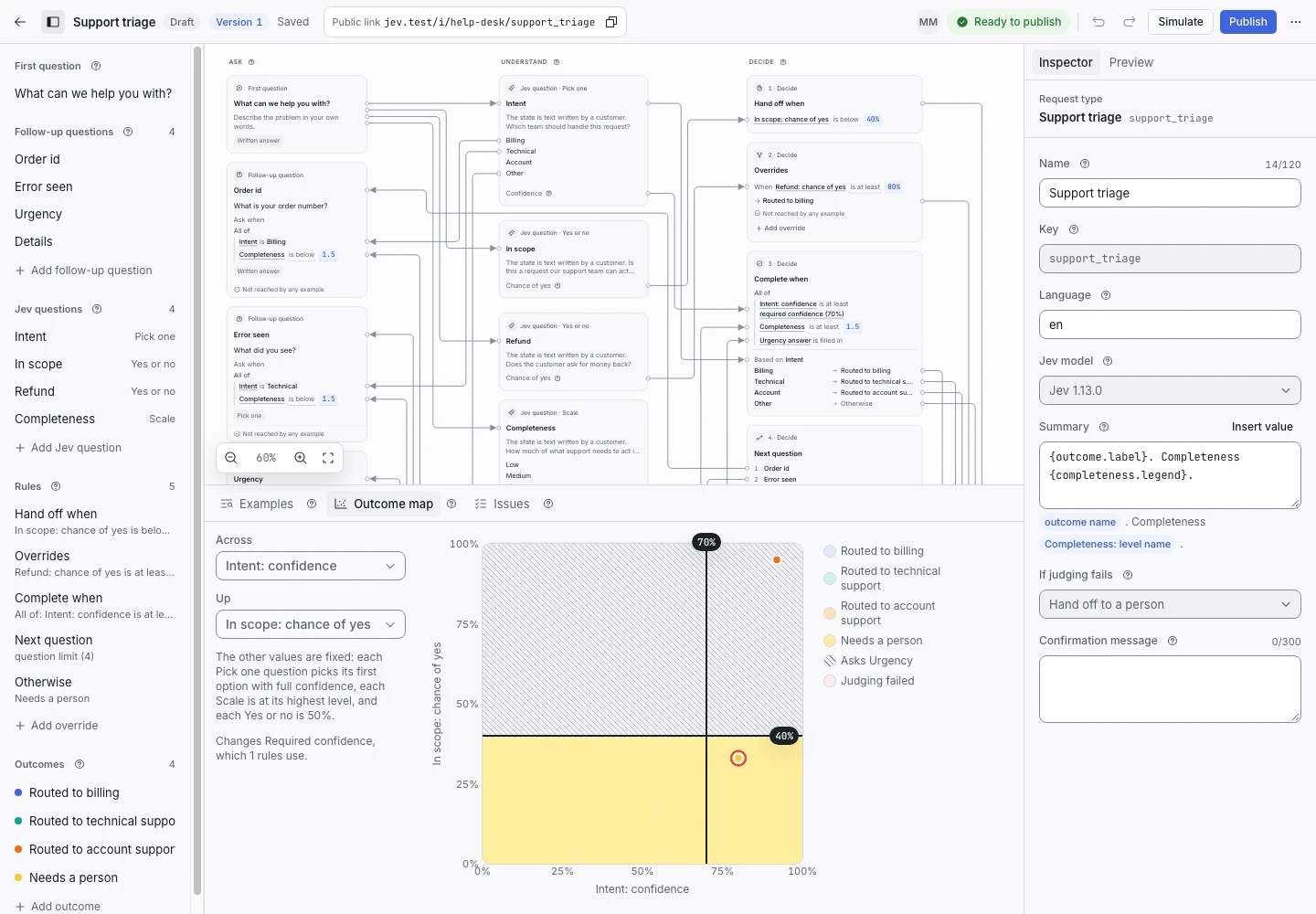
Product screen with sample data. Intake is the previous working name.
The incoming request
A sample request:
“We sell office chairs and would like to offer your purchasing team our catalogue. We are not buying your product.”
Vendors and would-be partners write to the same address as buyers. Their messages cost a salesperson time. Use the request type you already share for sales leads.
Set up the request type
Start from the Sales lead qualification template in the Sales group. Its vendor option and its Sent to supplier review outcome cover new supplier pitches. You can use the template as it is.
The Manual review signal decides what a person reads first. Its question names a partnership proposal and a vendor who already supplies your company. Add any other supplier relationship your purchasing team must check.
Collect enough detail
A pitch needs no follow-up question. The template asks about company size and timing only for buyers.
Show why the request ended
| Outcome | Outcome reply |
|---|---|
| Sent to supplier review | Yes |
| Sent to sales | Yes |
| Sent to nurture | Yes |
| Pointed at self-serve | Yes |
| Sent to support | Yes |
| Needs a person | No |
The reply of Sent to supplier review says that the pitch does not approve a purchase or a partnership. A partnership proposal and a message from an existing supplier hand off when the chance of yes for Manual review is 60% or more.
Open the Outcome map with Manual review on one axis. Drag the threshold line and watch which examples change outcome.
Test before publication
The template's examples include a new supplier pitch, a reseller partnership and an existing supplier who wants to renegotiate. The last two expect Needs a person. Add a pitch that calls itself a partnership in the first line. Select Replay, then Publish.
