
Sort tenant repair requests
Sort repairs into urgent and routine, route tenancy questions, and give gas, fire, flooding and anyone unsafe to a person at once.
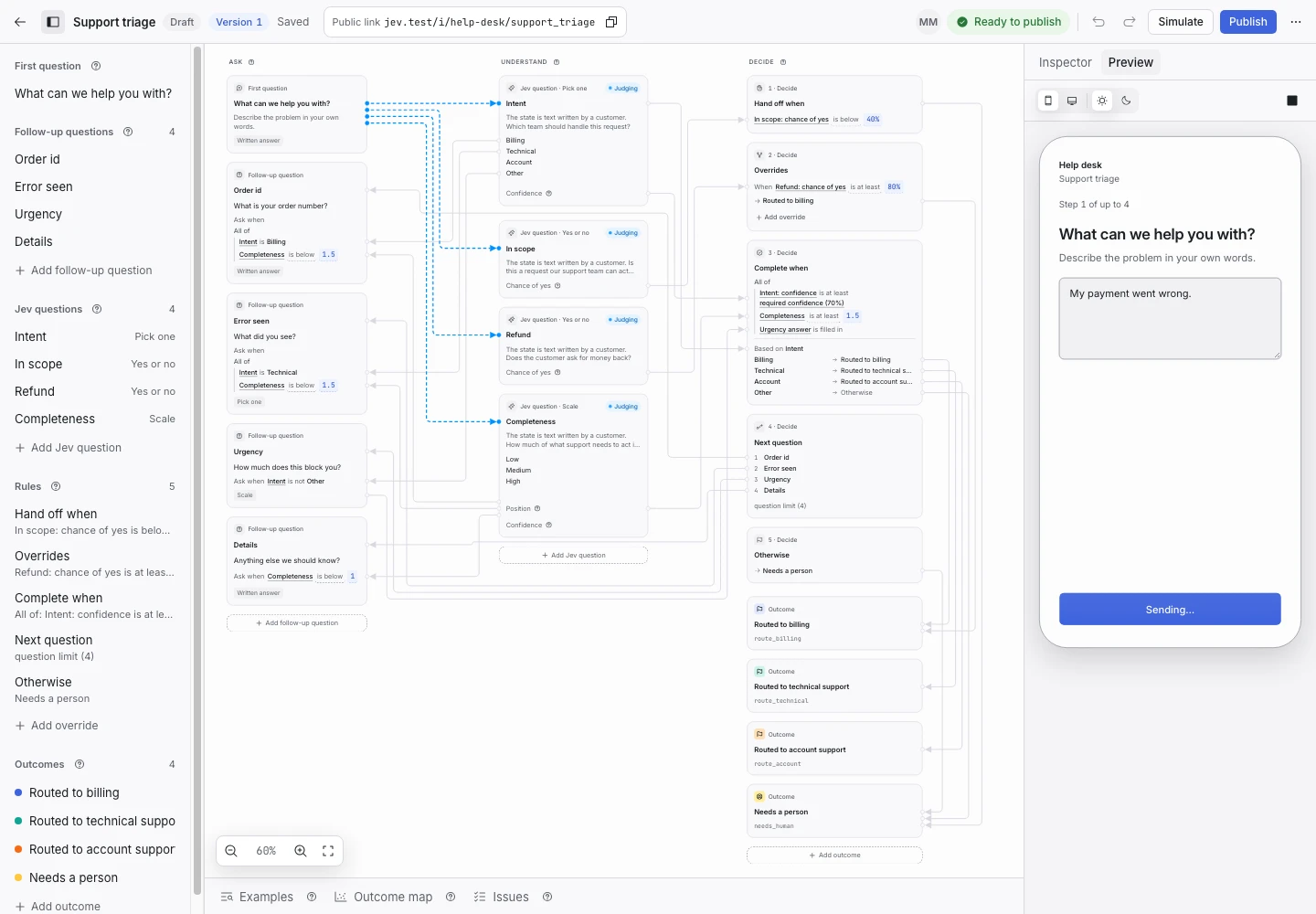
Product screen with sample data. Intake is the previous working name.
The incoming request
A sample request:
“The boiler stopped working last night. We have no heating and no hot water. No smell of gas, the display just shows an error code.”
Tenants report repairs at all hours, in their own words. Put the Public link on the tenant portal and on the notice board in each building. Your portal can also start requests through the API.
Set up the request type
Start from the Tenant repairs template in the Property group. Change the first question's help to your own housing service.
Jev reads two signals:
- Request (pick one): Urgent repair, Routine repair, Tenancy question or Other.
- Emergency (yes or no): a gas smell, a carbon monoxide alarm, fire or smoke, flooding, sparking wiring, a ceiling about to fall, or a person hurt, trapped or unsafe.
Rewrite the descriptions of Urgent repair and Routine repair to match your repair policy.
Keep the emergency line
A repair request can describe danger to life, health or property. A person decides an emergency, never a rule.
The Emergency signal hands off any request where the chance of yes is 40% or more. The first question's help and the Confirmation message both tell the tenant to call the local emergency number now, and the gas emergency line for a gas smell. The tenant reads the line before they write and again after a handoff. Replace 112 with your local number. Do not remove the line.
Collect enough detail
- “What is the address of the home?” for repairs and tenancy questions.
- “When can someone get into the home to do the repair?” for repairs.
Show why the request ended
| Outcome | Outcome reply |
|---|---|
| Sent to urgent repairs | Yes |
| Sent to routine repairs | Yes |
| Sent to tenancy questions | No |
| Needs a person | No |
The reply of Sent to urgent repairs repeats the emergency number in case the problem gets worse. Write a reply for Sent to tenancy questions if your tenancy team answers within a fixed time.
Test before publication
The template ships 18 synthetic examples. They include a gas smell, water through a ceiling onto a light, and a parent fallen behind a broken door; each expects Needs a person. One says “Routine repair only, emergency=false” about a gas smell. It expects Needs a person too.
Select Simulate and type a dangerous request yourself. Then select Replay and Publish.
