
Triage tickets from your helpdesk system
Start a request through the API when a ticket arrives in your helpdesk, read the outcome, and route the ticket in the helpdesk.
Product screen with sample data. Intake is the previous working name.
The incoming request
A sample request:
“After I sign in the page is completely blank. It happened yesterday too. I can see the menu but nothing loads underneath it.”
Your helpdesk already has the tickets. You want the triage: which team, and whether a person must look first. Your integration starts a request in ClientStack when a ticket is created, sends the ticket text as the first answer, and moves the ticket when the request ends.
Set up the request type
Start from any template whose outcomes match your helpdesk queues: Support triage for customers, IT helpdesk for staff. Rename each outcome after a queue, so the outcome's key maps to a queue in your integration.
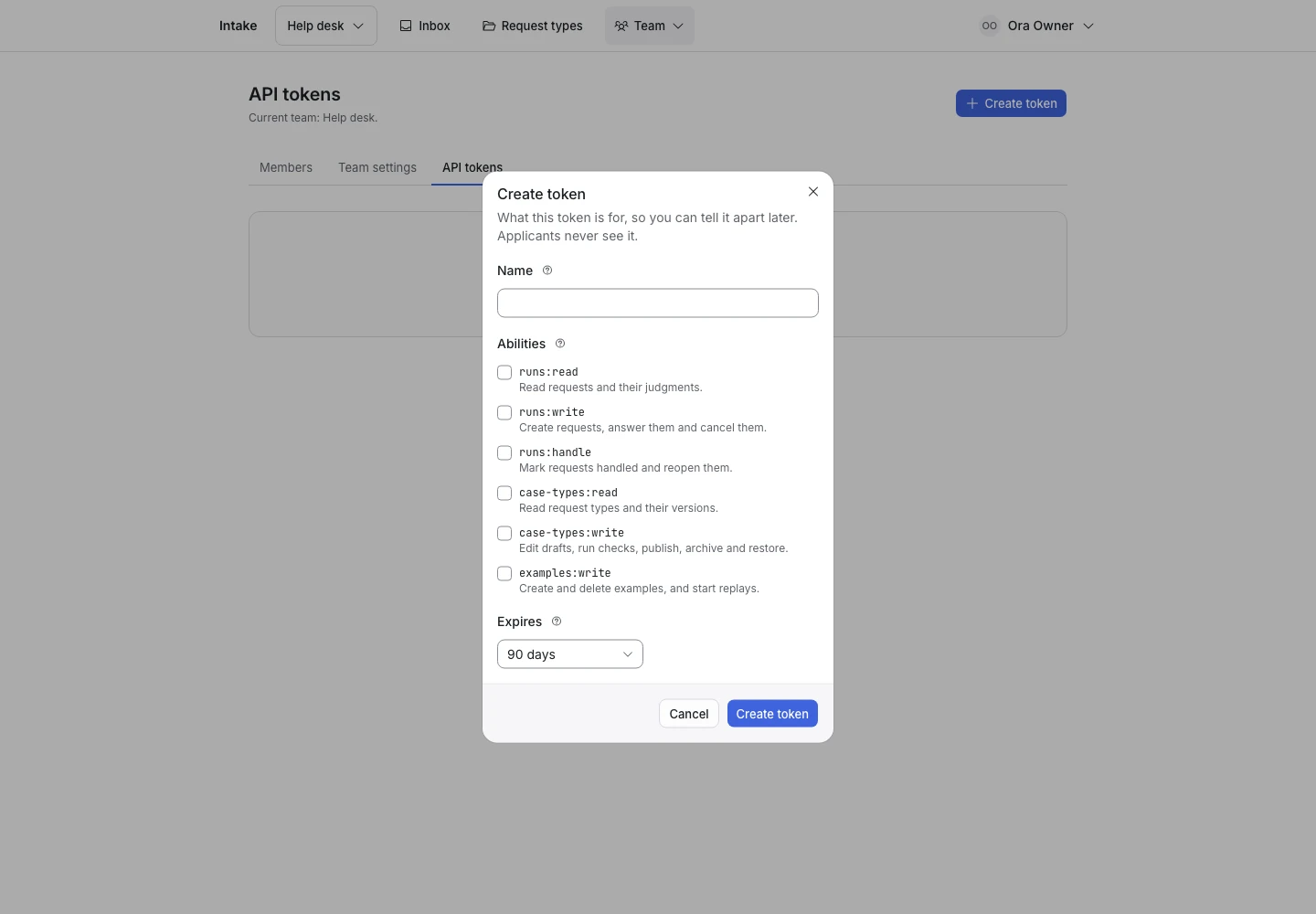
An owner creates a team token on the API tokens screen with these abilities:
runs:writeto start requests and send answers.runs:readto read the outcome.runs:handleto mark a request handled when the ticket closes.
Keep the token on your server. Read the API guide.
Collect enough detail
A follow-up question has no person to answer it in this setup. Your integration answers from the ticket's fields, such as an order number or a product.
Make every follow-up question a pick-one question with an I am not sure option, and add that option to Hand off when. When the ticket does not hold the answer, your integration sends I am not sure. The request then hands off, and a person picks up the ticket.
Set the question limit low. Every question your integration cannot answer is a ticket that needs a person.
Show why the request ended
The outcomes are the template's outcomes. When a request is Complete, your integration reads the outcome's Key and moves the ticket to that queue. When a request is Handed off, it puts the ticket in your review queue. The API also returns the outcome reply, which your helpdesk can send as its first answer. The API guide names each field.
ClientStack does not change your helpdesk itself. Your integration does that, with its own retries.
Test before publication
Write ten examples based on recent tickets, in your own words, with the queue each one belongs in as the expected outcome. Leave out names, addresses and account numbers. Select Replay and read every Miss. Then start a test request with your token against the published version.
