
Route requests from existing clients
Send questions about work in progress to the team that handles it, and give new matters and urgent requests to a person.
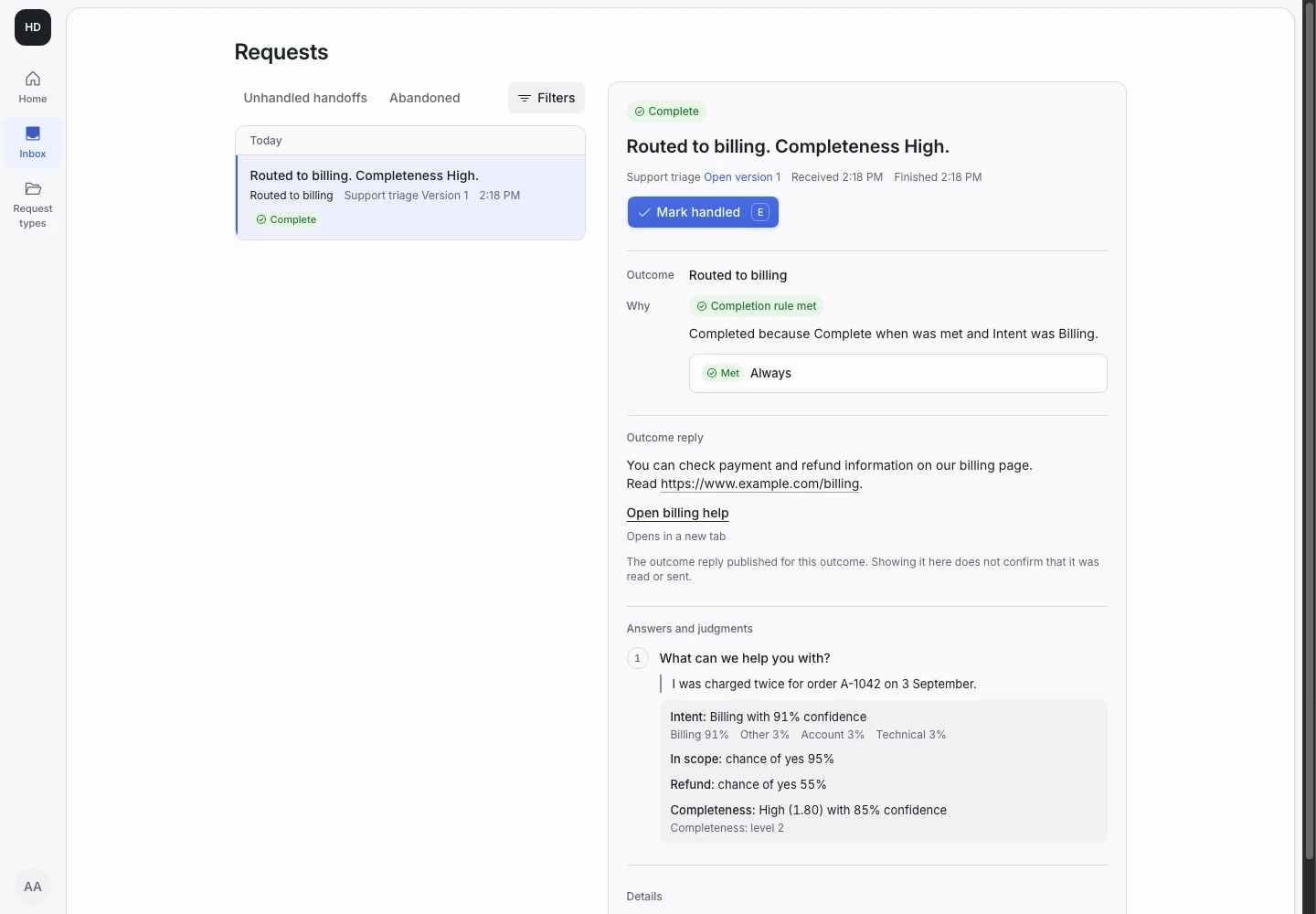
Product screen with sample data. Intake is the previous working name.
The incoming request
A sample request:
“I am an existing client. Please update me on the monthly bookkeeping already in progress; no new work or deadline is involved.”
Existing clients write about work already under way: progress, documents, a question about an invoice. Put the Public link in your client portal or in the footer of your engagement emails.
Set up the request type
Start from the Client intake template in the Front desk group. Its Sent to existing clients outcome covers this use, so one request type serves new and existing clients. Share the same Public link in both places.
Outcome for each answer reads the answer to “Are you already a client of this practice?”. An existing client gets Sent to existing clients. A new client gets Sent to intake.
Two yes or no signals guard the route. Existing client reads whether the person describes a current engagement. New matter reads whether they ask for new or different work.
Collect enough detail
- “When is your deadline?”: Within seven days or already passed, More than seven days away, There is no deadline, or I am not sure.
- “Is another named party involved in this matter?”: Yes, No, or I am not sure.
- “Are you already a client of this practice?”: I would be a new client, I am an existing client, or I am not sure.
Show why the request ended
| Outcome | Outcome reply |
|---|---|
| Sent to existing clients | Yes |
| Sent to intake | Yes |
| Outside the practice | Yes |
| Needs a person | No |
An existing client who starts a new matter hands off: a new matter needs a new engagement and a conflict check. A deadline within seven days hands off too. The reply of Sent to existing clients says that no new engagement or professional decision has been made.
Test before publication
The template's examples include “I am already your bookkeeping client, but want to start a separate new tax engagement.” It expects Needs a person. Add a progress question, a document delivery and an urgent filing. Select Replay, then Publish.
