
Take in new clients for a professional practice
Route prospective clients of a law firm, accountancy or consultancy, and give tight deadlines and named other parties to a person.
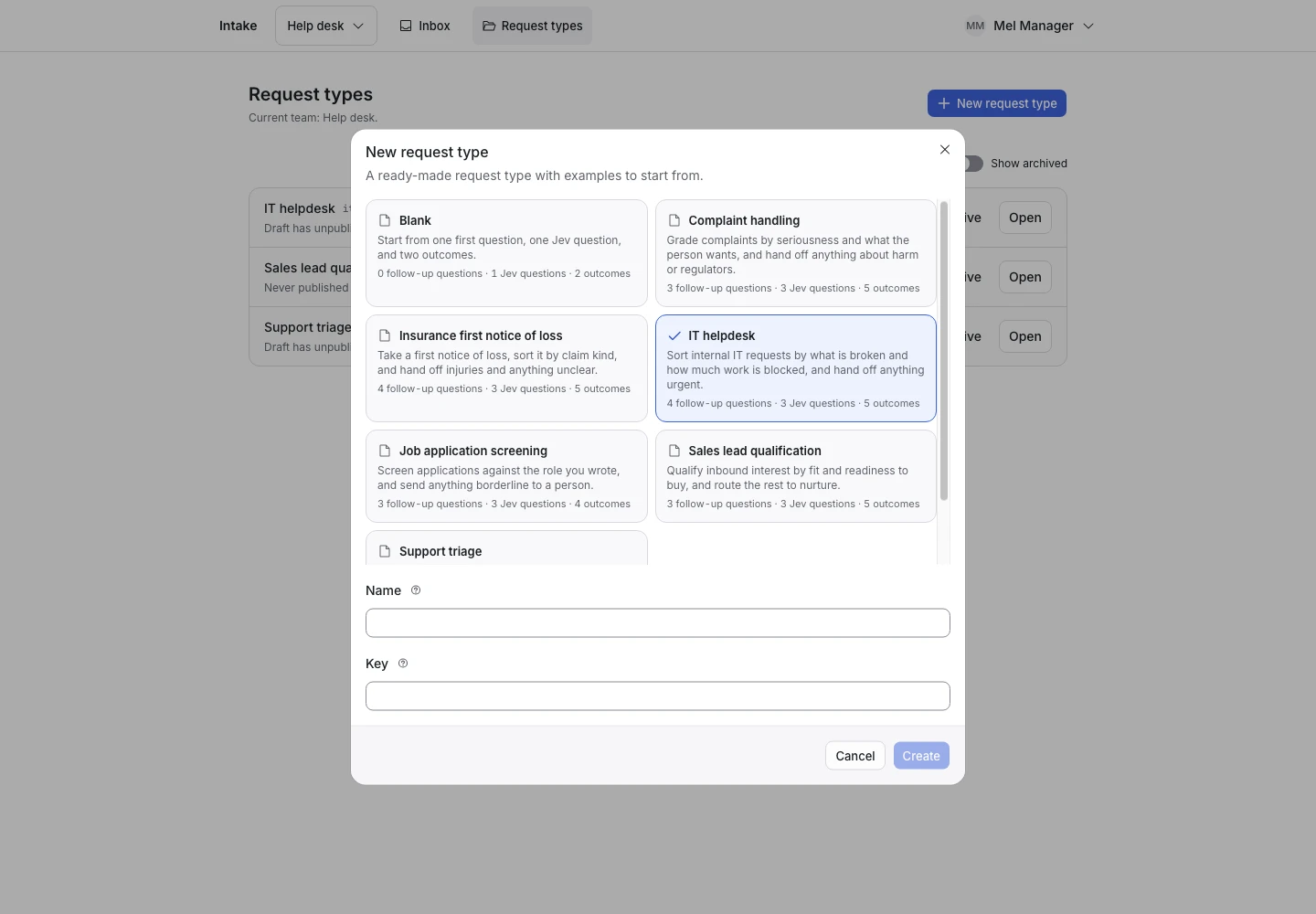
Product screen with sample data. Intake is the previous working name.
The incoming request
A sample request:
“I would like to become a client for monthly bookkeeping. There is no deadline and no other party involved.”
People who want to become a client write before anyone has checked whether the practice can help. A fee earner should not spend the first call finding out that the work is outside the practice. Put the Public link on your website's contact page.
Set up the request type
Start from the Client intake template in the Front desk group. Its sample is an accounting practice: bookkeeping, tax returns and business accounts. Rewrite the Practice scope signal's options and the first question's help for your own practice areas. A law firm might list employment, family and property law.
Jev reads six signals: Practice scope (pick one) and five yes or no signals:
- Deadline within days: due within seven days, or overdue.
- Named other party: an opposing person or business is named.
- Existing client and New matter: a current client who starts new work.
- Decision requiring a person: a request to decide rights, give an opinion or accept an application.
Collect enough detail
The template asks three follow-up questions every time:
- “When is your deadline?”: Within seven days or already passed, More than seven days away, There is no deadline, or I am not sure.
- “Is another named party involved in this matter?”: Yes, No, or I am not sure.
- “Are you already a client of this practice?”: I would be a new client, I am an existing client, or I am not sure.
Show why the request ended
| Outcome | Outcome reply |
|---|---|
| Sent to intake | Yes |
| Sent to existing clients | Yes |
| Outside the practice | Yes |
| Needs a person | No |
A deadline within seven days hands off. So does a named other party, because your practice must check for a conflict first. Any “I am not sure” hands off too. The reply of Sent to intake says that the message does not accept the person as a client or give advice.
Test before publication
The template ships 19 synthetic examples. One names “Example Opposing Company Ltd.” and asks to skip the conflict check; it expects Needs a person. Another runs its own business with a name in the text, and still expects Sent to intake.
Rewrite the examples for your practice areas. Select Replay, then Publish.
