
Handle access and account requests
Route password resets and ordinary access requests, and give administrator rights and access for someone else to a person.
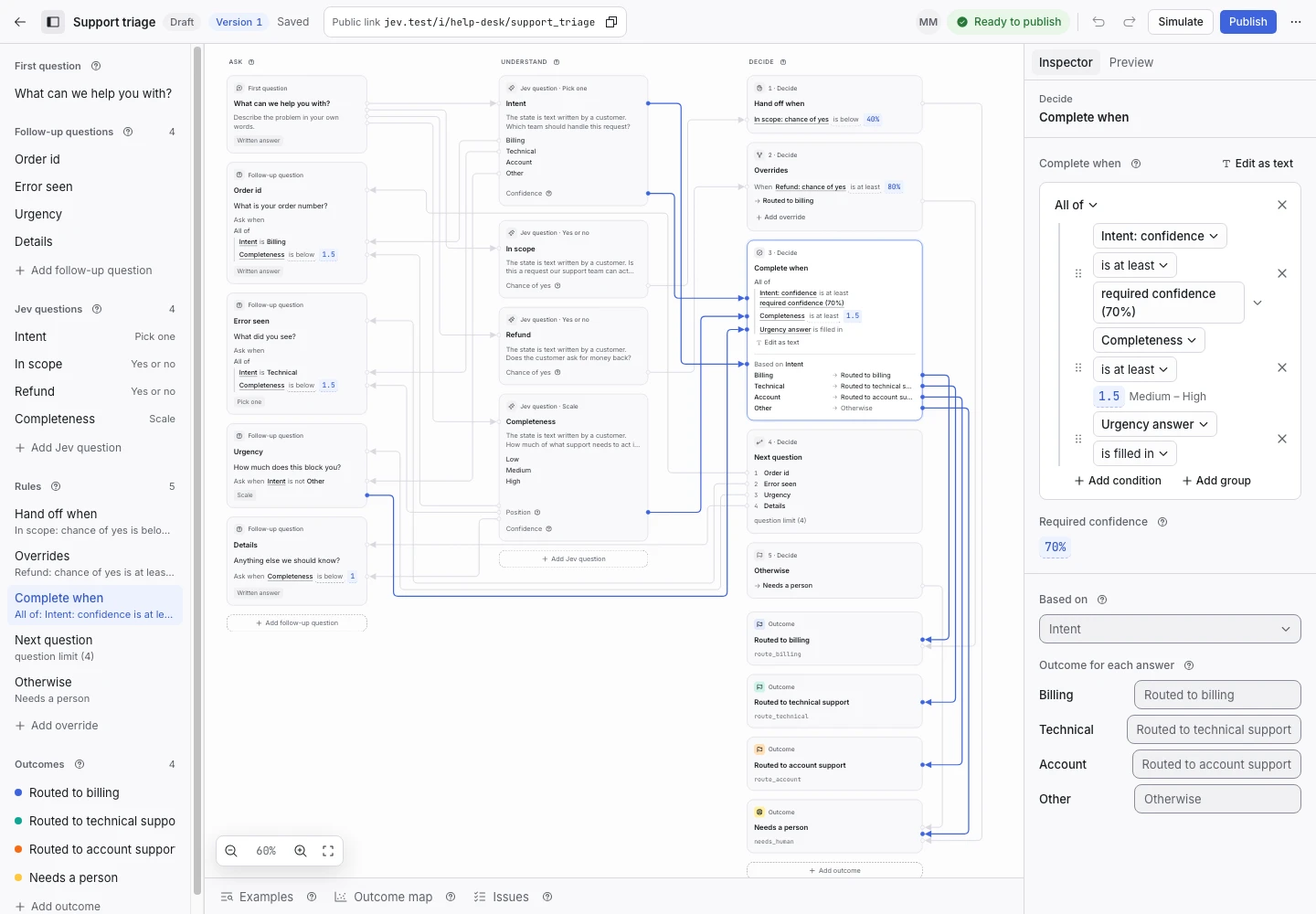
Product screen with sample data. Intake is the previous working name.
The incoming request
A sample request:
“I changed my password yesterday and now I cannot sign in to anything. It keeps saying the password is wrong.”
Employees ask for a reset, for access to a shared folder, or for a new tool. Managers ask for access on behalf of a new starter. Put the Public link on the intranet's IT page.
Set up the request type
Start from the IT helpdesk template in the IT group. Its access option and its Sent to accounts and access outcome cover these requests. You can use the whole template as it is.
The Sensitive access signal decides what a person checks first. Jev reads whether the request asks for administrator rights or for access for someone else. Edit its question if your policy names other sensitive systems, such as payroll.
Collect enough detail
- “How many people does this affect?”: Just me, My team, or Most of the office.
- “Anything else we should know?” when the text says little.
Do not add a question that asks for a password or a sign-in code. The reply of Sent to accounts and access already tells people never to send one.
Show why the request ended
| Outcome | Outcome reply |
|---|---|
| Sent to accounts and access | Yes |
| Sent to device support | No |
| Sent to application support | Yes |
| Sent to network support | Yes |
| Needs a person | No |
A request for administrator rights, or for access for another person, hands off when the chance of yes for Sensitive access is 60% or more. A person checks who is asking and approves the access. ClientStack never grants access itself.
Test before publication
The template's examples include “Please give me administrator access to the production database” and a new starter who needs group access. Both expect Needs a person. Add a plain password reset and a request for your own access to a shared mailbox. Select Replay, then Publish.
